Order intake
The order arrives through an online ordering channel with products, service type and required details.

When each team receives information through a different channel, manual entries and questions multiply. A defined flow gives every order context.
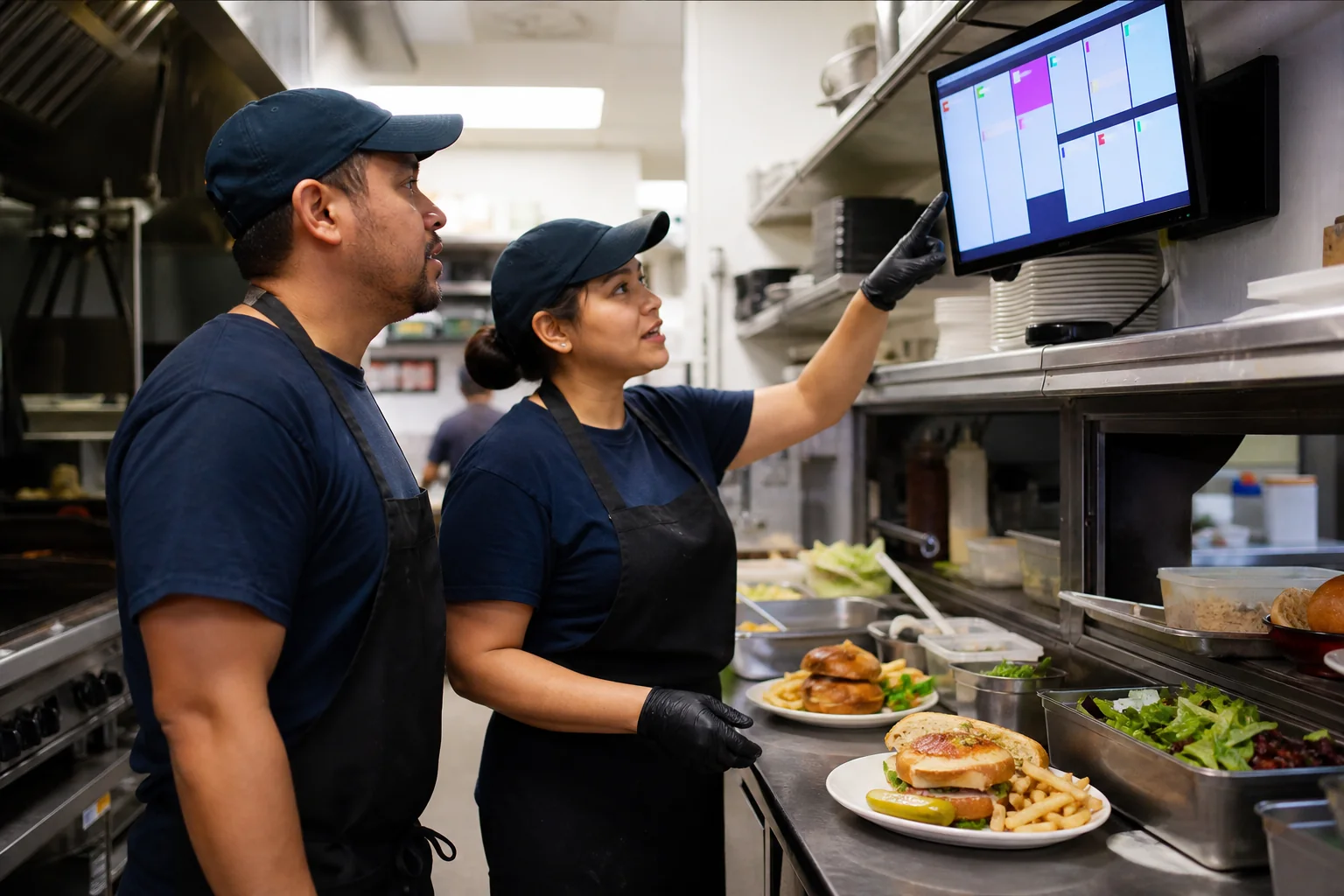
The order arrives through an online ordering channel with products, service type and required details.
Orders can be organized through a digital kitchen display system around the restaurant process.
The restaurant POS can centralize payments, tables, closeouts and reports included in the scope.
Recipes and stock can be part of the design through restaurant inventory and food cost software.
Define who confirms, prepares and hands off each order and what happens when details change.
Status should communicate what each role needs without adding unnecessary steps.
Before building, map the order types —table, pickup and delivery—, the data each one needs and how status changes are communicated. That way the system supports daily work instead of adding another channel to monitor.
HopDive builds these workflows around each operation. The project can include the modules your restaurant needs without assuming every restaurant works the same way.
Let’s discuss the parts of your current workflow worth centralizing.
Chat on WhatsApp